Translate Academic Articles into 20+ Languages
Translate any imported article into 20+ languages — including right-to-left languages like Hebrew and Arabic — and read both versions side by side.
READA translates entire articles into the language you study or research in. Whether you are reading an English paper in Hebrew or a French essay in Spanish, the translated text is laid out paragraph-by-paragraph against the original so you can cross-reference every sentence instantly.
Translation covers 20+ languages including Hebrew, Arabic, Spanish, French, German, Italian, Portuguese, Russian, Chinese, Japanese, and more. Right-to-left languages are rendered with proper text direction so headings, punctuation, and embedded Latin words all stay legible.
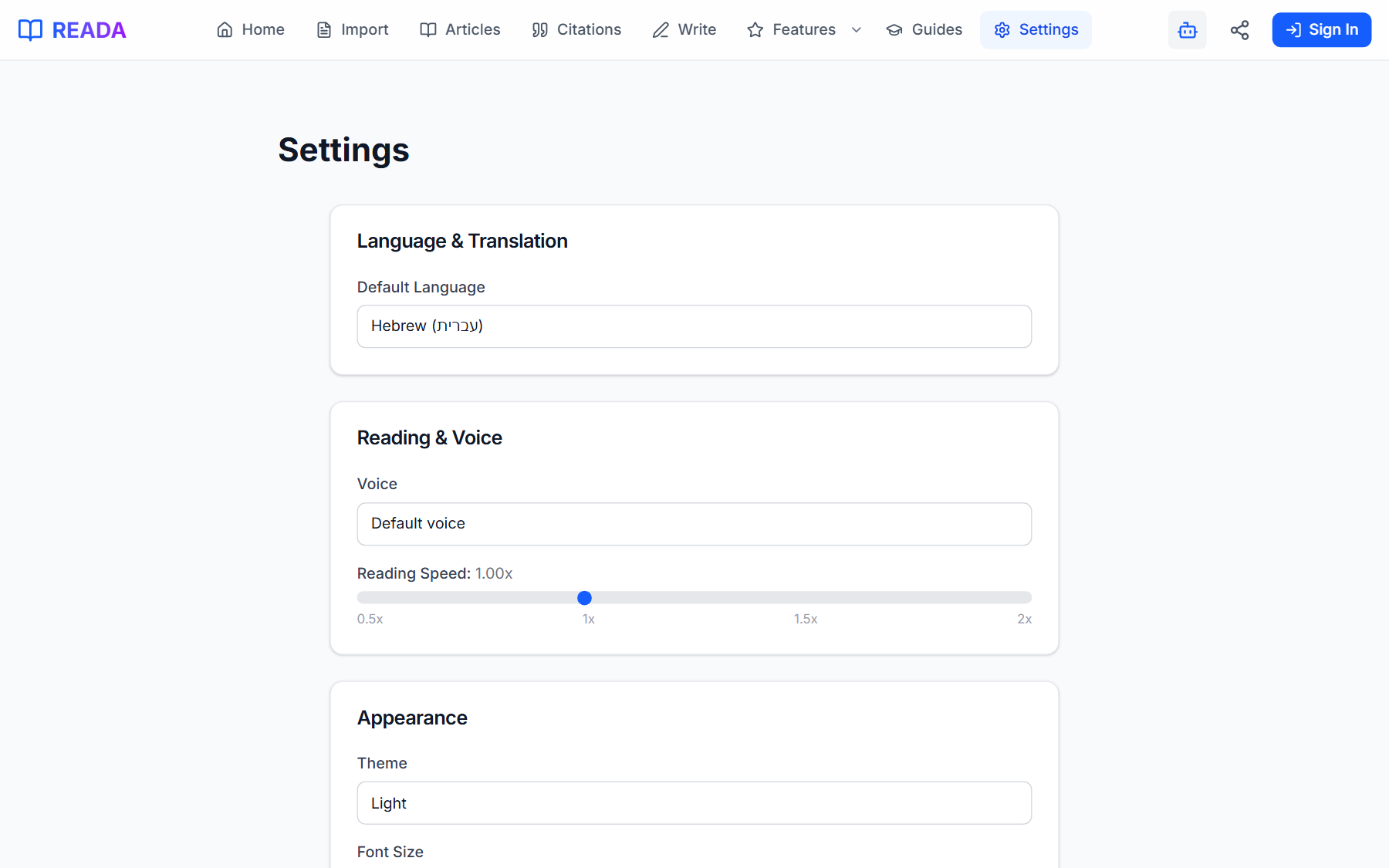
Your default translation language is remembered in Settings, so re-reading an article in your preferred language is a single click — not a re-configuration.
How it works
- 1
Import an article
Bring a PDF, URL, or pasted text into your library via the Import page.
- 2
Open the article in the Reader
Click the article in your library to open it.
- 3
Pick a target language
Use the language picker in the Reader header to choose from 20+ languages.
- 4
Read side by side
The dual-pane view shows original and translation aligned paragraph-by-paragraph. Mobile stacks them while preserving pairings.
- 5
Set a default (optional)
In Settings, pick a default translation language so new articles open in it automatically.
Benefits for you
- 20+ supported languages covering most of academia and journalism.
- Side-by-side layout keeps the original within glance at all times.
- Native RTL support for Hebrew, Arabic, Persian, and Urdu.
- Remembers your default translation language across sessions.
- Translation is cached per article so you never pay to translate the same text twice.
How people use it
- An Israeli student reads English research in Hebrew with the original still visible for citations.
- A Spanish-speaking researcher follows a German source without context-switching to Google Translate.
- A language learner uses academic texts as scaffolded bilingual reading practice.
Who it's for
- Students studying in their second language.
- Bilingual researchers who prefer to draft in one language and cite in another.
- Language learners who want authentic, long-form bilingual reading material.
Where it lives in READA
- Inside the Reader, the header has a language picker that triggers translation on demand.
- The Dual-Pane Reader shows original + translation in two aligned columns on desktop.
- Settings → Default Translation Language controls the preselected target language.
Frequently asked questions
Which languages are supported?
More than 20, including English, Hebrew, Arabic, Spanish, French, German, Italian, Portuguese, Russian, Chinese, Japanese, Persian, Urdu, and more.
How accurate is the translation for academic text?
READA uses top-tier AI translation tuned for long-form content, which handles academic phrasing and technical vocabulary much better than legacy machine translation.
Does it handle right-to-left languages correctly?
Yes. Hebrew, Arabic, Persian, and Urdu render with proper direction, and embedded Latin words stay legible.
Do I pay each time I re-translate?
No. Translations are cached per article, so re-reading the same paper in the same target language is instant and free.
Can I hide the original to read only the translation?
Yes. The layout toggle in the Reader switches between Original, Translation, and Dual views.
Related links
Ready to try it?
Jump straight into READA and put Multilingual Translation to work on your next article.