AI-Powered Rewriting, Right Inside Your Editor
Select any passage in the editor and let READA's AI rewrite it for clarity, grammar, flow, and academic tone — without breaking your saved citations or formatting.
The AI Writing Assistant lives inside READA's editor and turns messy first drafts into polished prose. Highlight a sentence, a paragraph, or a whole section, hit the wand icon, and the selection is replaced in place with a rewritten version — cleaner, tighter, and more academic in tone.
Unlike generic AI chat, the assistant respects the structure of your document. It knows which runs of text are in-text citation markers and refuses to touch them, so your references and their auto-generated numbering never break.
No API key is required. The feature runs through READA's own AI proxy, so it works out of the box for every user the moment you open the editor.
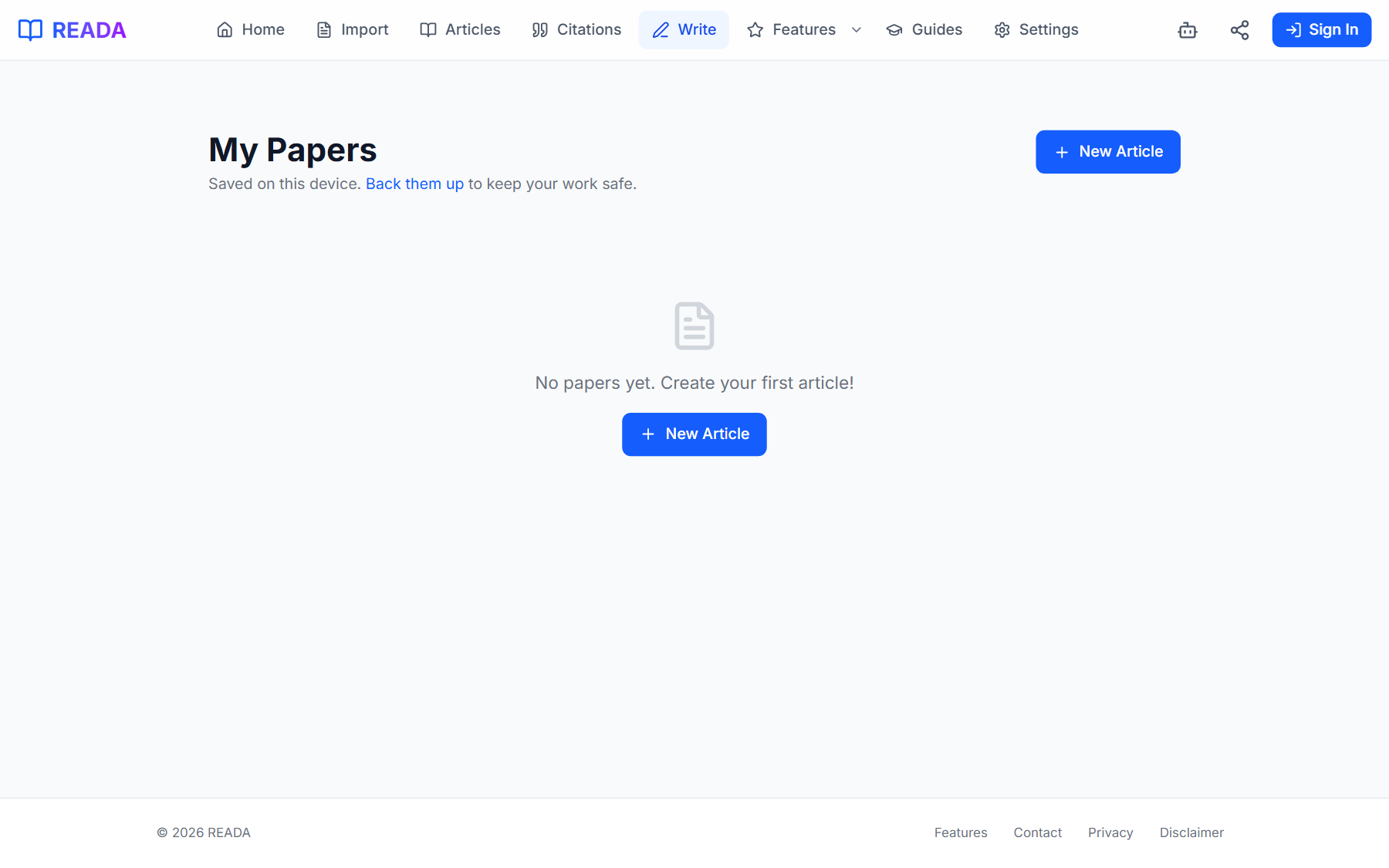
How it works
- 1
Open or start a draft
Head to the Write page and open an existing article or start a new one.
- 2
Select the passage to improve
Highlight a sentence, a paragraph, or an entire section.
- 3
Click the AI wand icon
It sits in the editor toolbar. READA rewrites the selection in place.
- 4
Review the new wording
Read the rewritten passage. Your inserted citation markers are preserved intact.
- 5
Undo if needed
Not happy? Standard undo brings back the original text immediately.
Benefits for you
- One-click rewriting of any selected passage.
- Protects inserted citation markers from being altered.
- Polishes clarity, grammar, flow, and tone simultaneously.
- Great for turning rough notes into publishable text, or tightening long-winded prose.
- No setup, no API key — works for every user out of the box.
How people use it
- A student converts bullet-point research notes into paragraph-form draft text.
- A non-native English writer polishes grammar and idiom in a draft before submission.
- A thesis writer tightens a sprawling paragraph without losing its cited evidence.
Who it's for
- Students drafting essays under time pressure.
- Non-native English academic writers.
- Researchers polishing conference submissions.
Keyboard shortcuts
- Ctrl + B
- Bold the selected text
- Ctrl + I
- Italicize the selected text
- Ctrl + U
- Underline the selected text
- Ctrl + Z
- Undo the last change (including an AI rewrite)
- Ctrl + Y
- Redo
Where it lives in READA
- Inside the Write editor, select text and click the AI wand icon in the toolbar.
- The rewrite replaces the selection in place; you can undo if you want the original back.
Frequently asked questions
Do I need an API key?
No. The assistant runs through READA's built-in AI proxy and works for every user out of the box.
Will rewrites break my citations?
No. The assistant is citation-aware and refuses to touch inserted citation markers or your auto-generated numbering.
What languages are supported?
Rewrites work in the language of your draft — English, Hebrew, Arabic, Spanish, French, German, and more.
Can I control the tone?
The default tone is academic and clear. For more dramatic changes, use the Personal AI Assistant chat and paste the passage for custom instructions.
Is my draft text stored by a third party?
Drafts stay on your device. Passages sent for rewriting go through READA's AI proxy only for the request itself and are not retained for training.
Related links
Ready to try it?
Jump straight into READA and put AI Writing Assistant to work on your next article.