First-Class Support for RTL Languages and Mixed-Language Text
READA treats right-to-left languages as first-class citizens. Hebrew, Arabic, Persian, and mixed-language text render correctly — in the reader, the editor, and the citation library.
Most reading apps treat non-Latin scripts as an afterthought. READA does not. Hebrew, Arabic, Persian, and Urdu articles render with correct text direction, correct punctuation placement, and correct handling of embedded Latin words (like URLs or English quotations) — whether you are reading, writing, or citing.
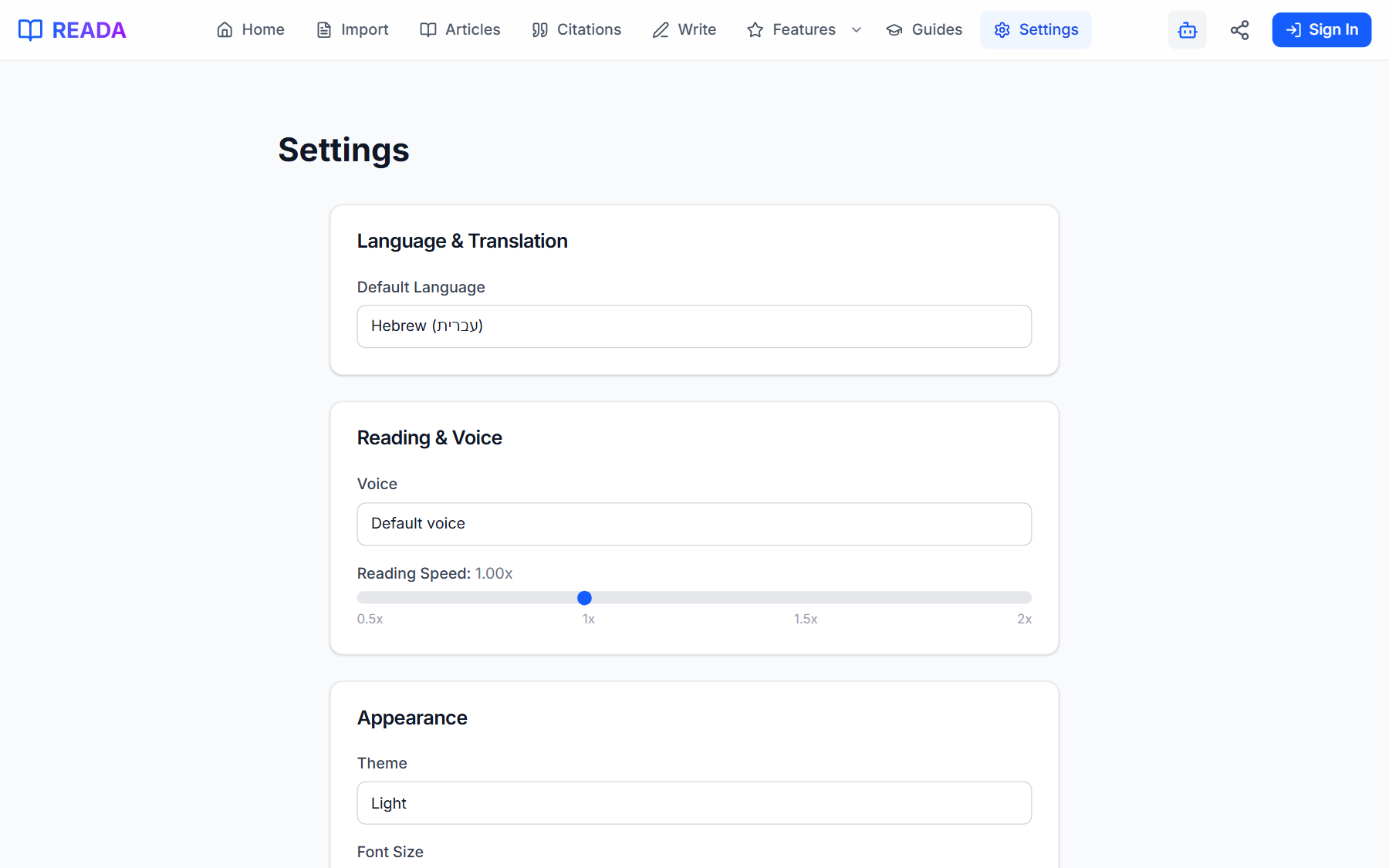
Text direction is detected automatically per paragraph, so a Hebrew article with embedded English chunks still flows correctly. You can also set a default translation language in Settings so articles open in your language without extra clicks.
How it works
- 1
Visit Settings
Open the Settings page from the top menu.
- 2
Pick a default translation language
Choose Hebrew, Arabic, Persian, or any of the 20+ supported languages.
- 3
Import any article
The reader opens in your chosen language automatically when a translation is available.
- 4
Let direction auto-detect handle the rest
READA detects text direction per paragraph, so mixed Hebrew + English paragraphs render correctly everywhere.
- 5
Write in RTL if you want
The Write editor and Citation library both fully support RTL, so your drafts and references flow correctly.
Benefits for you
- Full bidirectional text support across reader, writer, and library.
- Automatic per-paragraph direction detection.
- Default translation language setting.
- Correctly renders mixed Hebrew + English, Arabic + English, etc.
How people use it
- An Israeli student writes a thesis in Hebrew with English citations embedded correctly.
- An Arabic researcher cites English journal articles without direction glitches.
- A translator works with parallel bilingual texts without fighting the editor.
Who it's for
- Hebrew, Arabic, Persian, and Urdu speakers.
- Anyone working with mixed LTR + RTL academic text.
- Translators bridging Western and Middle Eastern sources.
Where it lives in READA
- Throughout the app — reader, editor, citation library, translation panel.
- Settings → Default Translation Language is the central control.
Frequently asked questions
Which RTL languages are fully supported?
Hebrew, Arabic, Persian, and Urdu are first-class — every feature respects their direction end-to-end.
What about mixed Hebrew + English paragraphs?
READA detects text direction per paragraph and renders mixed LTR/RTL content with correct punctuation and word order.
Can I write a paper in Hebrew with English citations?
Yes. The Write editor handles RTL drafts with embedded LTR citation markers cleanly.
Do exported citations preserve direction?
Yes. The output keeps the original language and direction of each entry so your reference list looks right.
Can I change default language later?
Yes, anytime. Settings → Default Translation Language is a single dropdown.
Related links
Ready to try it?
Jump straight into READA and put Language Support to work on your next article.