Browse, Search, and Filter Your Entire Article Library
Every article you import lands in a searchable library, complete with title, preview, source language, target language, and date — plus per-article reading position and saved citations.
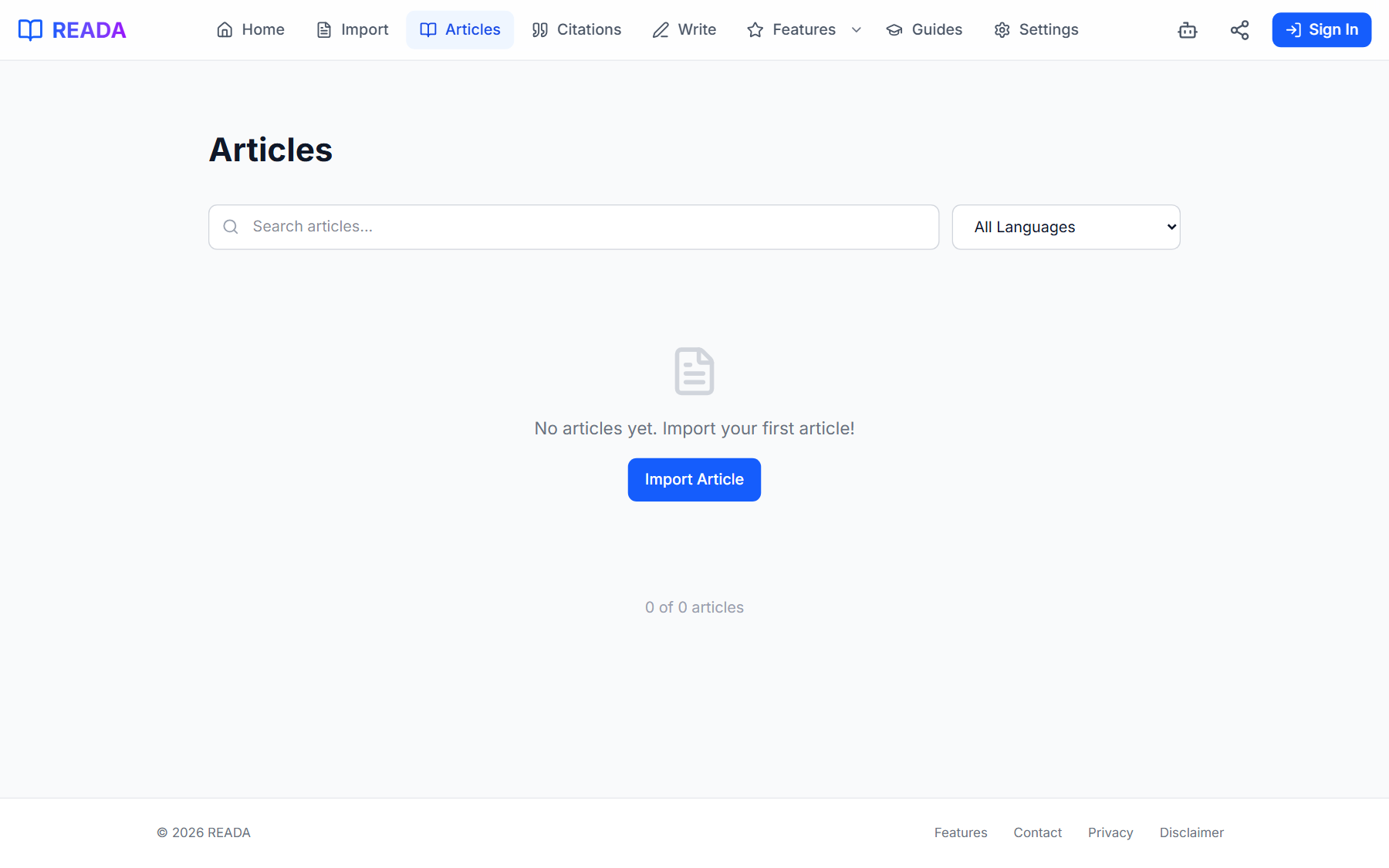
Article Management is the home page of your reading life. Every PDF, URL, and pasted text you have imported shows up as a card with its title, first-paragraph preview, source language, target language, and date. Click a card to open the Reader exactly where you left off.
You can search by title or full-text content, filter by source or target language, and sort by date or title. Every article remembers the last paragraph you read and the citations you saved from it, so re-opening a paper means resuming — not restarting.
How it works
- 1
Import some articles
Everything you bring in via the Import page lands here automatically.
- 2
Open the library
Use the top-menu "Articles" link to browse every imported article.
- 3
Search or filter
Search by title or full-text content; filter by source or target language.
- 4
Sort how you think
Sort by date to pick up where you left off, or by title to scan alphabetically.
- 5
Reopen and keep reading
Click any card to open the Reader exactly where you last left that article.
Benefits for you
- Full-text search across every imported article.
- Filter by source language and target language.
- Remembers reading position per article.
- Preserves saved citations per article.
- Works offline — your library travels with you.
How people use it
- Finding a paper you read last semester by keyword.
- Resuming a long article where you left off on another device.
- Filtering down to only the Spanish papers in your library before an oral exam.
Who it's for
- Students tracking assigned readings across multiple courses.
- Researchers with a long tail of reference material.
- Anyone who has ever asked "where did I read that again?"
Where it lives in READA
- Top-menu link "Articles" opens the library.
- Search, filter, and sort controls live at the top of the list.
Frequently asked questions
Is there a limit on how many articles I can keep?
Practically no. The library is built for long-running research with hundreds or thousands of articles.
Does search cover the article body?
Yes. Search indexes the full article text, not just the title, so you can find a paper by a phrase from its body.
Can I filter by language?
Yes. Filter by source language or by your target translation language — handy before an oral exam or a focused deep-reading session.
Are reading positions remembered?
Yes. Each article remembers the last paragraph you read so reopening feels like resuming, not restarting.
Does it work offline?
Yes. Your entire library is stored locally, so browsing and reading work without a connection.
Related links
Ready to try it?
Jump straight into READA and put Article Management to work on your next article.