Full Rich-Text Editor with Built-In Citation Support
Write full papers in a rich editor with bold, italic, headings, lists, blockquotes, and — unlike ordinary editors — one-click insertion of citations from your READA library with an auto-generated reference list.
READA's Write feature is a full rich-text editor designed specifically for academic writing. It has every tool you expect — bold, italic, underline, headings, lists, blockquotes, superscript and subscript, undo / redo, and alignment — and one thing ordinary editors do not: native citations.
You can insert any citation from your READA library with a single click, or type a new one manually. Each in-text citation marker is formatted in your chosen style (APA, MLA, Chicago, Harvard, or Vancouver), and the References / Works Cited / Bibliography section is generated automatically at the bottom of your document — and kept in sync as you add, remove, or reorder citations.
Change your mind about citation style mid-draft? Switch styles from a dropdown and every marker and every reference updates instantly. Auto-save keeps your work safe between sessions.
How it works
- 1
Start a new article
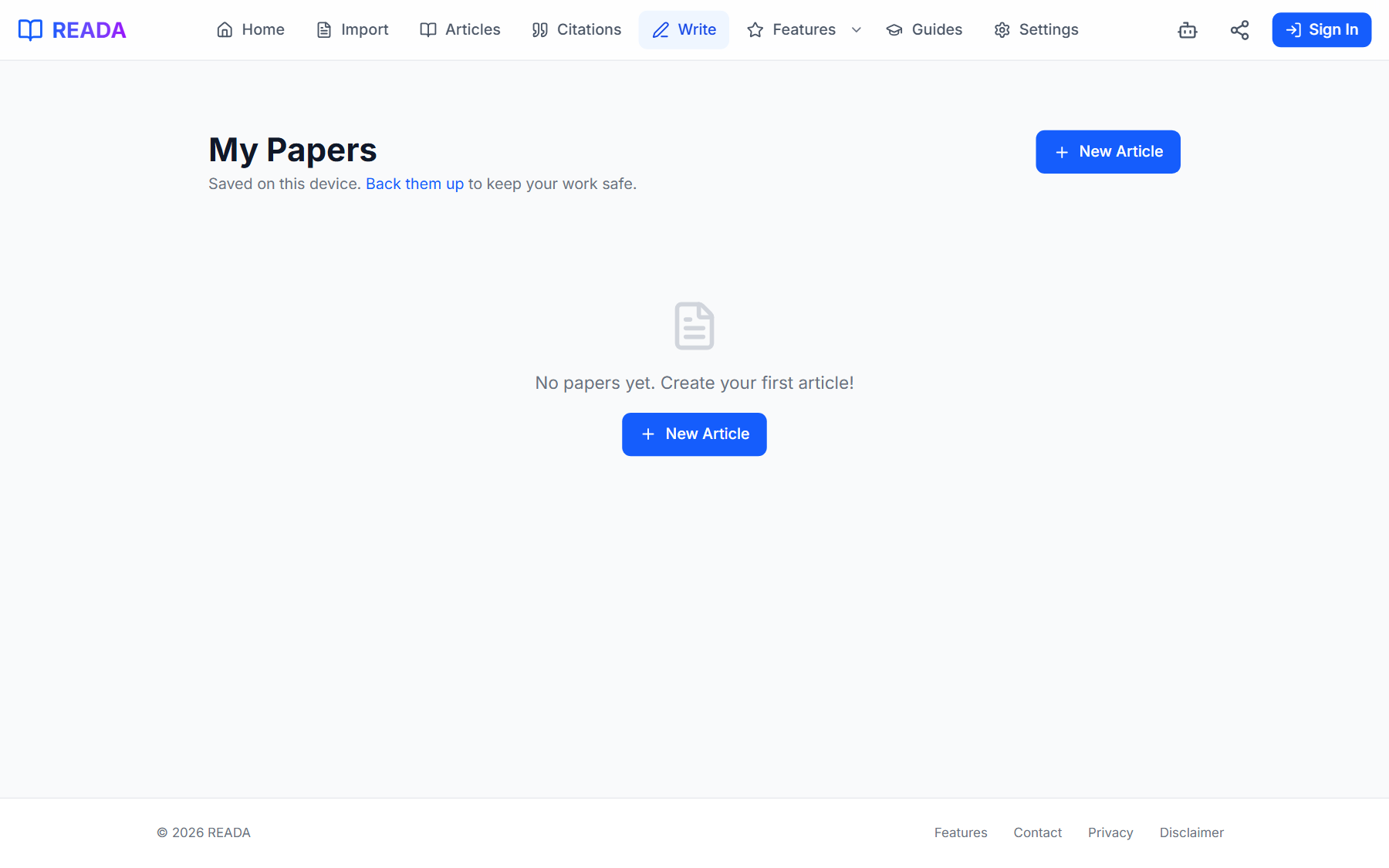
From the top-menu Write link, click New Article.
- 2
Write with a proper toolbar
Bold, italic, underline, headings, lists, blockquotes, superscript, subscript, undo, redo — all the usual essentials are there.
- 3
Insert citations in one click
Open the citations panel and pick any saved quote. The in-text marker and the reference-list entry appear automatically in your chosen style.
- 4
Switch styles whenever you want
Change from APA to Chicago (or any of the five) from a dropdown. Every marker and every reference updates in sync.
- 5
Let auto-save take care of the rest
Your draft is saved between sessions automatically — come back to the same URL and keep writing.
Benefits for you
- Full rich-text toolbar for real academic writing.
- One-click citation insertion from your saved library.
- Auto-generated reference list that stays in sync with your in-text markers.
- Switch citation styles at any time — markers and references update live.
- Auto-save so you never lose work.
How people use it
- Writing an essay where citations from your library drop in like hyperlinks.
- Switching between APA (class) and Chicago (journal submission) on the same draft.
- Drafting a thesis chapter with dozens of references without leaving the editor.
Who it's for
- Students writing essays, seminar papers, and theses.
- Researchers drafting conference papers.
- Anyone who currently copy-pastes citations by hand.
Keyboard shortcuts
- Ctrl + B
- Bold
- Ctrl + I
- Italic
- Ctrl + U
- Underline
- Ctrl + Z
- Undo
- Ctrl + Y
- Redo
Where it lives in READA
- Top-menu link "Write" opens the article list with a New Article button.
- The editor opens full-screen with the toolbar at the top and word count at the bottom.
- The References section is rendered at the bottom of every document automatically.
Frequently asked questions
Which citation styles are supported in-line?
APA, MLA, Chicago, Harvard, and Vancouver — the same five supported by the Export feature.
What happens to the reference list when I change citation style mid-draft?
Every in-text marker and every entry in the reference list re-formats instantly. You never have to re-type a citation.
Is there auto-save?
Yes. Drafts are saved to your library continuously so you never lose work, even if the tab closes.
Can I collaborate in real-time?
Not yet. The editor is built for a single author. You can still export and share the result.
Can I add citations that are not yet in my library?
Yes — type the citation manually, or save it to the library first and then insert it.
Related links
Ready to try it?
Jump straight into READA and put Article Writing with Citations to work on your next article.