Citation Formatting: Automate Your Work
Citation formatting eats hours that could go toward research and writing. This guide explains why manual formatting fails, what each major style demands, and how automation eliminates the busywork entirely.
TLDR — Citation formatting is the most time-consuming mechanical task in academic writing. Every major style — APA, MLA, Chicago, Harvard, Vancouver — has its own rules for author order, punctuation, italics, date placement, DOI display, and page ranges. Manual formatting invites silent errors that cost marks or delay publication. Automated citation tools eliminate this busywork by extracting source metadata on import, applying style rules programmatically, and producing correctly formatted in-text citations and reference list entries in one step. The result: you spend your time on research and argumentation instead of counting commas.
What citation formatting actually involves
A citation has two parts: the in-text marker that tells the reader where an idea came from, and the full reference entry at the end of the paper that gives enough detail to locate the original source. Formatting is the process of arranging the metadata — author names, publication year, title, journal name, volume, issue, pages, DOI or URL — into the precise order, punctuation, and typography that a given style manual demands. The rules are not suggestions. Journal editors reject submissions with inconsistent formatting. Professors deduct marks for incorrect punctuation in a reference list entry. The problem is not that the rules are hard to understand individually — it is that there are hundreds of them, they differ between styles, and a single paper may cite thirty or more sources, each of which must be formatted correctly.
Why manual formatting fails at scale
Students and researchers who format citations by hand face three compounding problems. First, human attention degrades over repetitive tasks — by the fifteenth reference list entry, you are far more likely to miss a period, transpose initials, or forget to italicize a journal name than you were on the first. Second, switching between source types multiplies the rules: a journal article has a different template than a book chapter, which differs from a conference paper, which differs from a government report. A single bibliography might include all four. Third, style changes are catastrophic. If an advisor switches your paper from APA to Chicago, every citation — in-text and reference list — must be rebuilt from scratch. Students routinely report spending three to five hours per paper on citation formatting alone, and a significant fraction of that time is spent fixing errors introduced during the formatting process itself.
- A 20-source APA reference list has roughly 400 individual formatting decisions — author order, initials, year placement, title case, italics, volume, issue, pages, DOI.
- A Chicago notes-bibliography paper with 30 sources has 60+ footnotes, each with its own punctuation rules, plus a separate bibliography with different formatting from the notes.
- MLA Works Cited entries use a container system with up to nine core elements per source, each with positional punctuation.
- Harvard has no single governing body, so university-specific variations add another layer of ambiguity.
- Vancouver numbers citations by order of appearance — inserting a new source in the middle of a paper renumbers every subsequent citation.
The five styles you will encounter
APA 7th edition is the default in psychology, education, nursing, and most social sciences. It uses author-date in-text citations and a reference list sorted alphabetically by author surname. MLA 9th edition dominates literature, languages, and the humanities. It uses author-page in-text citations and a Works Cited list organized around a container system. Chicago 17th edition is standard in history, fine arts, and publishing. It has two variants: notes-bibliography, which uses footnotes, and author-date, which resembles APA. Harvard referencing is widely used in UK and Australian universities and follows an author-date format similar to APA but with different punctuation conventions. Vancouver, governed by the ICMJE, is the standard in medicine and biomedical sciences and uses numbered in-text references ordered by first appearance. Each style has its own manual running hundreds of pages, its own edge cases, and its own update cycle.
What automation actually does
An automated citation tool works by separating metadata from formatting. When you import a source — a PDF, a URL, a DOI — the tool extracts the raw metadata: author names, title, publication year, journal, volume, issue, pages, DOI. This metadata is stored once, in a structured format. When you need a formatted citation, the tool applies the rules of your chosen style to that metadata and produces the output. If you switch styles, the tool re-applies the new rules to the same metadata. No re-entry, no manual conversion, no counting commas. The key insight is that metadata is universal — a journal article has the same author, title, and DOI regardless of whether you cite it in APA or Chicago. Only the formatting changes. By storing the metadata once and generating the formatting on demand, automation eliminates the entire class of errors caused by manual transcription and style translation.
The most common source of citation errors is not misunderstanding the rules — it is manually retyping metadata that already exists in a database somewhere. Automation eliminates the retyping step entirely.
Metadata extraction versus form-filling
There is an important distinction between citation tools that extract metadata automatically and those that ask you to fill in a form. A form-based generator — the kind where you type the author name, title, year, and journal into separate fields — still requires you to locate and transcribe every piece of metadata by hand. It formats the output for you, but the input is manual, and manual input is where most errors originate. A misspelled author name, a missing middle initial, an incorrect volume number — these propagate silently through your bibliography. A tool that extracts metadata from the source itself — by reading the DOI, parsing the PDF, or pulling structured data from an academic database — eliminates the transcription step. The metadata is captured once, directly from the source, and every citation generated from it inherits the correct data.
The hidden cost of inconsistency
Formatting errors in a bibliography are not always obvious to the writer. A missing period after an author initial, an ampersand where the word "and" should appear, a title in sentence case when the style requires title case — these are invisible in a quick read-through. But they are visible to a journal reviewer, a thesis examiner, or a plagiarism detection tool that cross-references your citations against its database. Inconsistent formatting signals carelessness, and in competitive academic contexts, carelessness has consequences. Automated formatting eliminates inconsistency by applying the same rules to every entry. The output is uniform because the process is deterministic — the tool does not get tired, does not skip steps, and does not forget the rules between the third and thirtieth reference.
Style switching without rework
One of the most painful scenarios in academic writing is being told to change your citation style after the paper is already drafted. A conference paper rejected from one journal and resubmitted to another may need to switch from APA to Vancouver. A thesis chapter originally written for a UK supervisor using Harvard may need to convert to Chicago for an American committee member. Doing this by hand means rebuilding every in-text citation and every reference list entry — a process that can take hours for a 40-source paper and introduces new errors at every step. With automated formatting, switching styles is a single action. The metadata does not change. Only the output template changes. The tool regenerates every citation and every reference list entry in the new style, instantly and consistently.
Building a citation workflow that scales
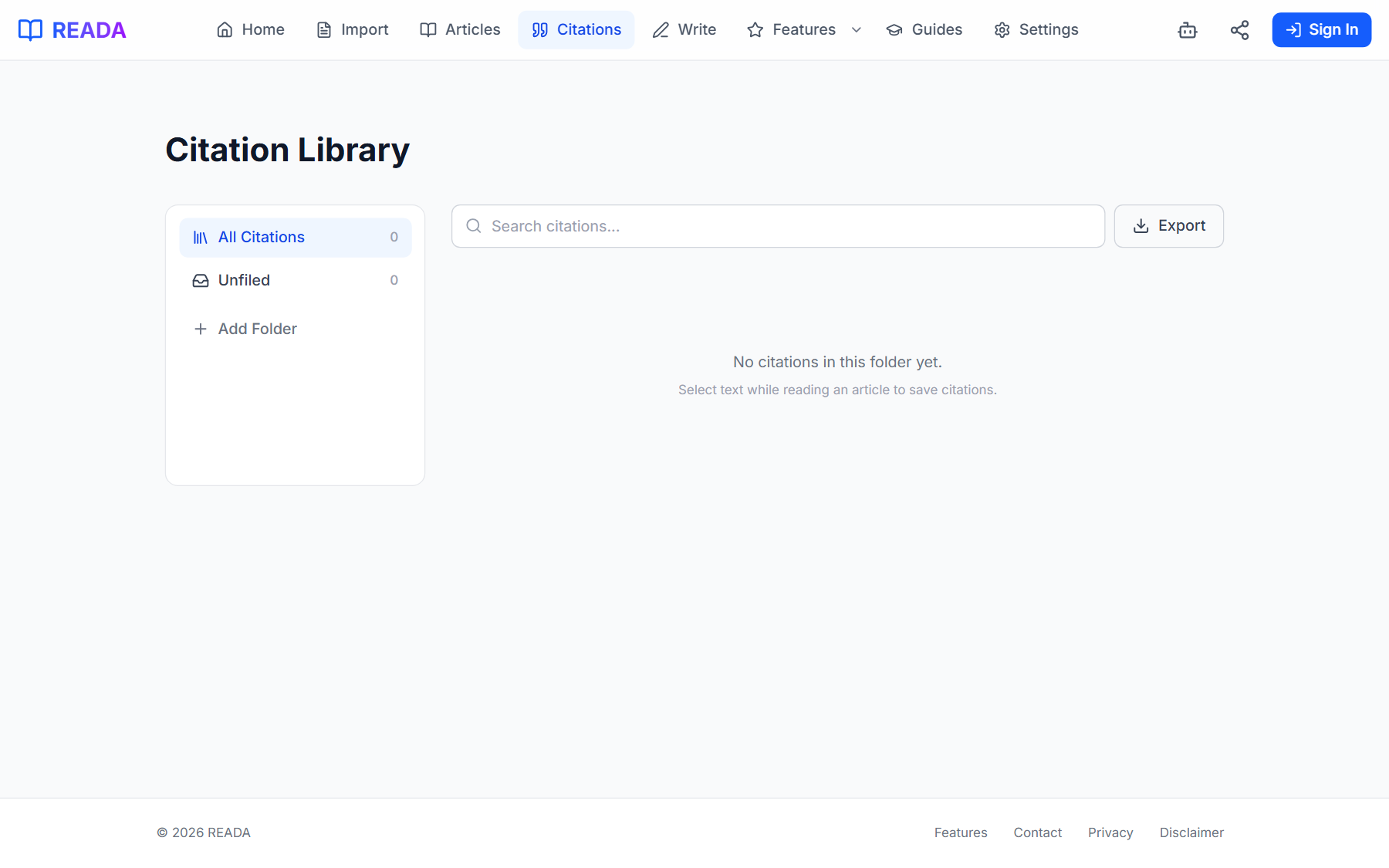
The best citation workflow is one where formatting never becomes a separate task at all. The ideal process works like this: you import a source, the metadata is captured automatically, you read and highlight the passages you want to cite, and each highlight carries its source metadata with it. When you insert a citation into your paper, the in-text marker and the reference list entry are generated together, in your chosen style, from the stored metadata. The bibliography builds itself as you write — each new citation adds an entry, each removed citation removes one. At the end, you have a complete, formatted, deduplicated reference list that required zero manual formatting. This is not a theoretical ideal. Tools that integrate reading, highlighting, and citation management in a single interface already make this workflow possible.
- Import sources from PDFs, URLs, or DOIs — metadata is extracted on arrival.
- Read and highlight passages — each saved quote inherits its source metadata.
- Insert citations into your paper — in-text format and reference list entry are generated in your chosen style.
- Switch styles — one action reformats the entire paper.
- Export the bibliography — sorted, formatted, and deduplicated automatically.
When to format by hand and when to automate
There are legitimate cases where manual formatting makes sense. If you are writing a one-page reflection with two sources, the overhead of setting up a citation tool exceeds the time it saves. If you are studying citation rules as part of a research methods course, formatting by hand is the point — it builds the muscle memory you need to spot errors later. But for any paper with more than five sources, any multi-chapter project like a thesis, or any workflow where you may need to switch styles, automation is not a convenience — it is a necessity. The time saved on a single 20-source paper is measured in hours. Over the course of a degree, it is measured in days.
Frequently asked questions
Below are the questions students and researchers ask most often about citation formatting and automation.
Does automated formatting work for every source type?
Automated tools handle standard source types — journal articles, books, book chapters, websites, and reports — with high accuracy because these have well-defined metadata fields. Non-standard sources like personal communications, social media posts, legal statutes, and unpublished manuscripts have less predictable metadata and may require manual review. The best approach is to let the tool generate the citation and then verify it against the style manual for unusual source types.
Can I trust an automated citation without checking it?
For sources with complete, structured metadata — a journal article with a DOI, for example — automated citations are highly reliable. The formatting rules are deterministic, and the metadata is machine-readable. For sources with incomplete or manually entered metadata — a website with no listed author, a PDF without embedded metadata — the output is only as good as the input. Always spot-check citations for sources that required any manual data entry.
What happens if I need to cite the same source in two different styles?
This is precisely where automation shines. Because the tool stores the raw metadata separately from the formatting, you can generate the same source in APA, MLA, Chicago, or any other supported style without re-entering anything. The metadata is the single source of truth; the style is just a rendering template applied on top of it.
Is it worth learning citation rules if I use an automated tool?
Yes. Understanding the rules helps you catch errors, evaluate edge cases, and make informed decisions when the tool produces ambiguous output. Think of automation the way you think of spell-check: it catches most errors, but you still need to know the language to catch the ones it misses. Knowing why APA uses an ampersand in parenthetical citations but spells out "and" in narrative citations helps you verify that the tool is behaving correctly.
Try it yourself
Import an article, highlight the passages that matter, and export your citations — all in one place.